Choose a device
Select the television, box, phone or computer you want to use.
Choose your device for a clear, illustrated guide. Every tutorial uses safe placeholders—you will receive your private access details after ordering.
Choose your device ↓Nine device families, with dedicated player guides where needed.
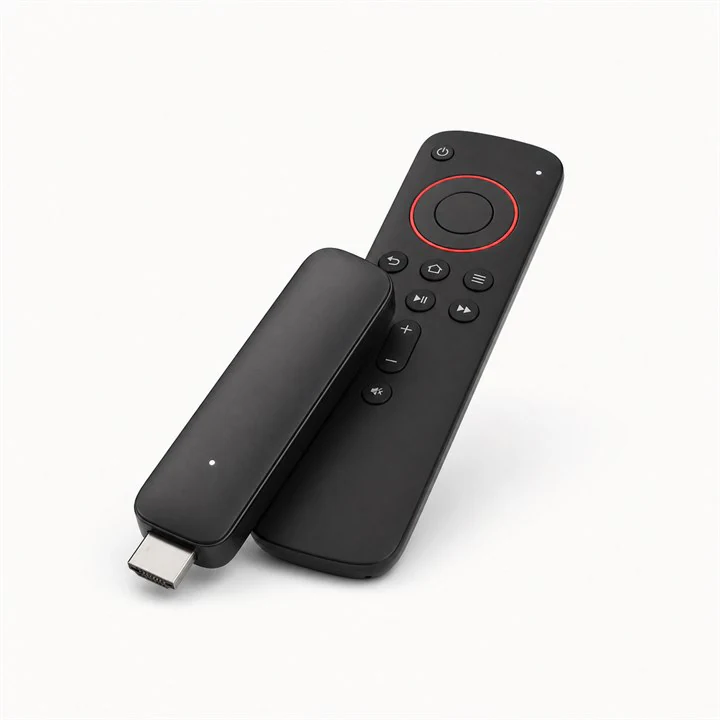 03 GUIDESAmazon Fire TV Stick
Install a compatible player with the Downloader app, then sign in with the details supplied after your order.
View setup guide →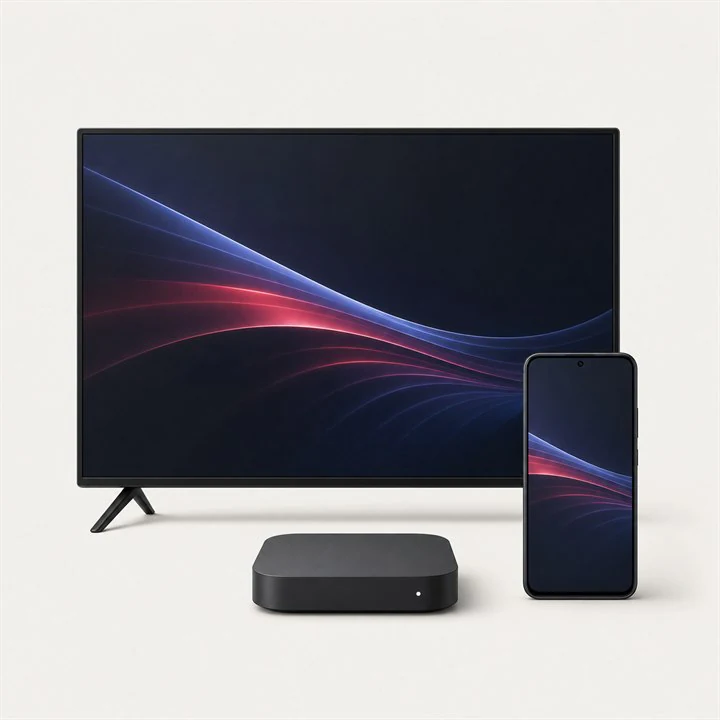 03 GUIDESAndroid & ChromeOS
A simple setup for Android TV, Google TV, phones, tablets, TV boxes and Chromebooks.
View setup guide →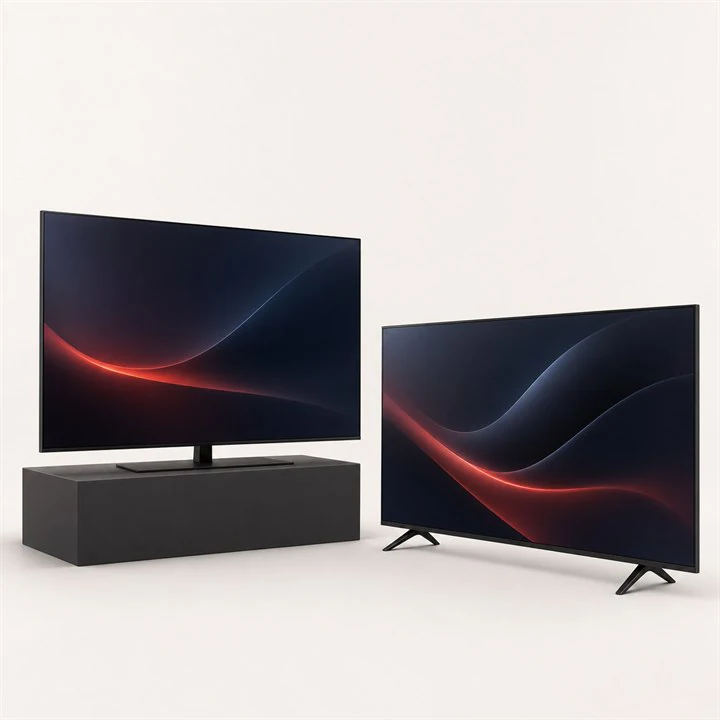 02 GUIDESSamsung & LG Smart TV
Choose a player available in your television's official app store and connect it to your subscription.
View setup guide →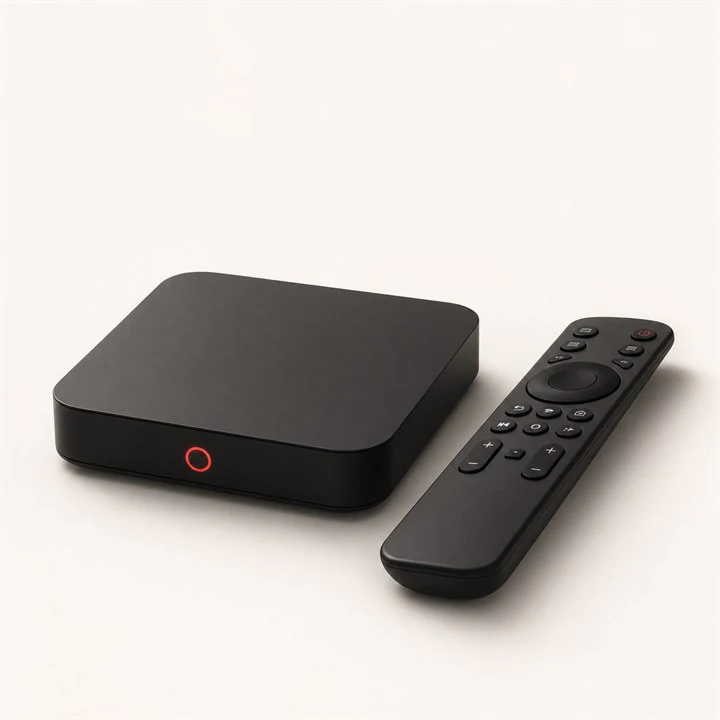 01 GUIDESMAG Box
Connect a MAG receiver through its portal settings using the portal URL and device MAC address.
View setup guide →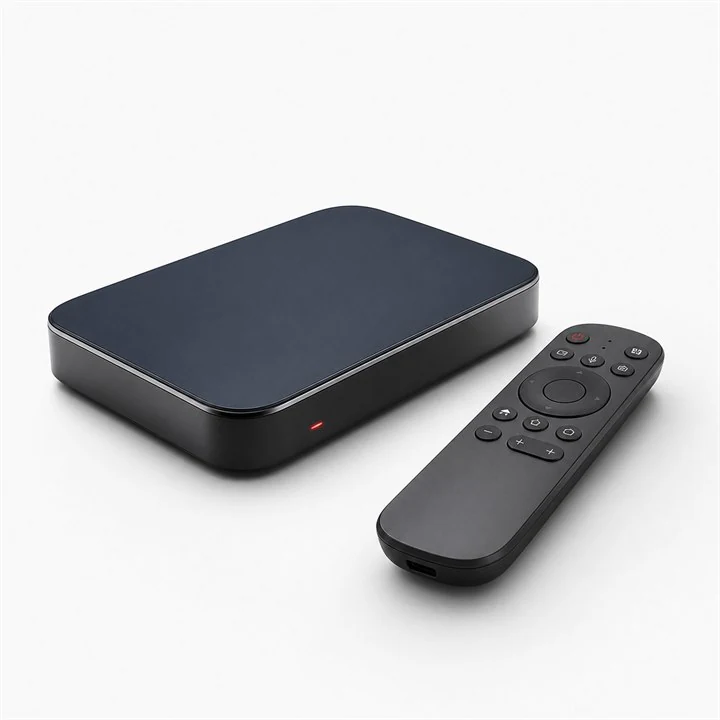 01 GUIDESFormuler Box
Use the MyTVOnline application built into compatible Formuler receivers.
View setup guide →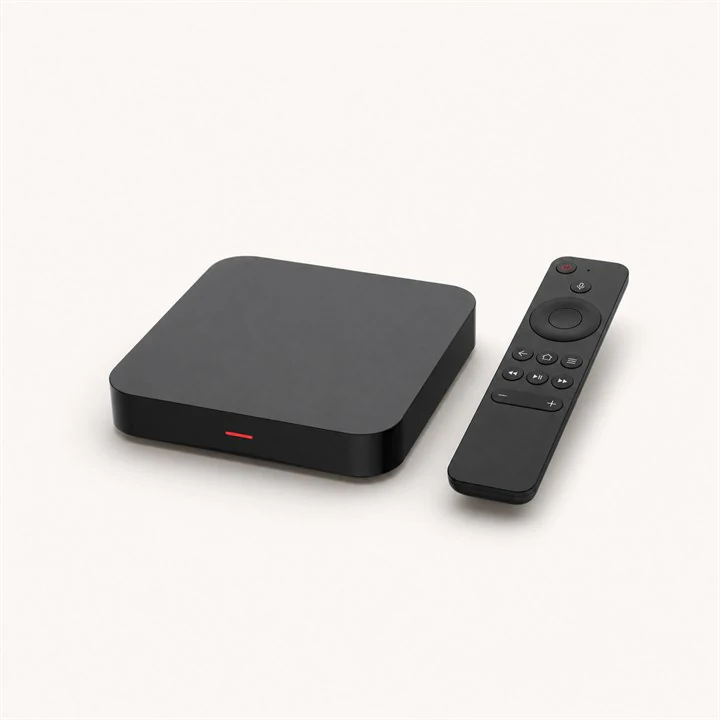 01 GUIDESBuzzTV Box
Add your portal to the Live TV server manager included with compatible BuzzTV boxes.
View setup guide →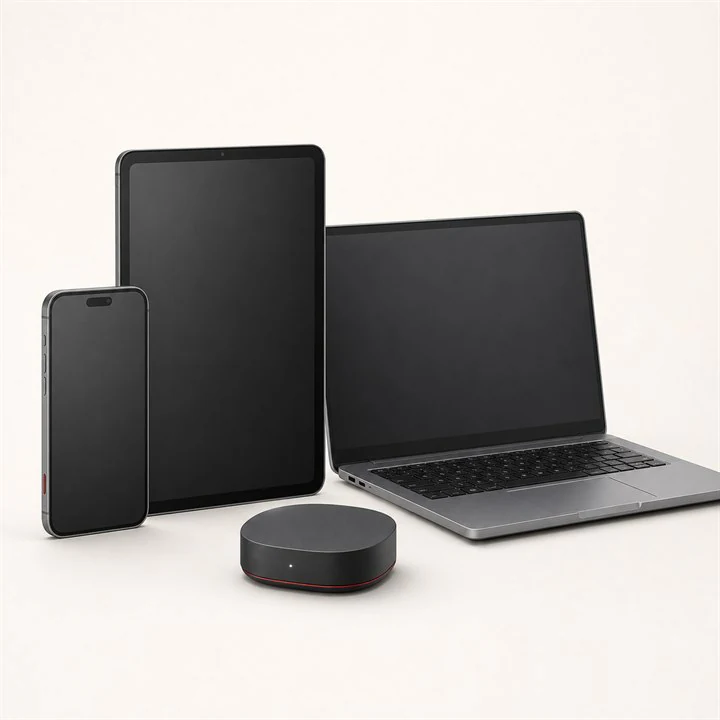 01 GUIDESiPhone, iPad & Apple TV
Install a compatible IPTV player from the App Store and connect with Xtream Codes credentials.
View setup guide →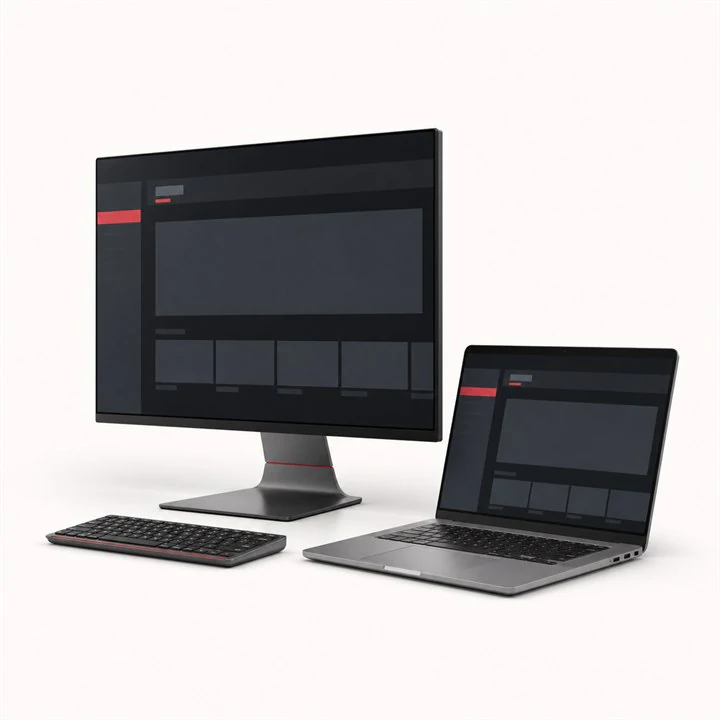 01 GUIDESWindows Computer
Install a trusted desktop IPTV player and add your subscription with Xtream Codes.
View setup guide →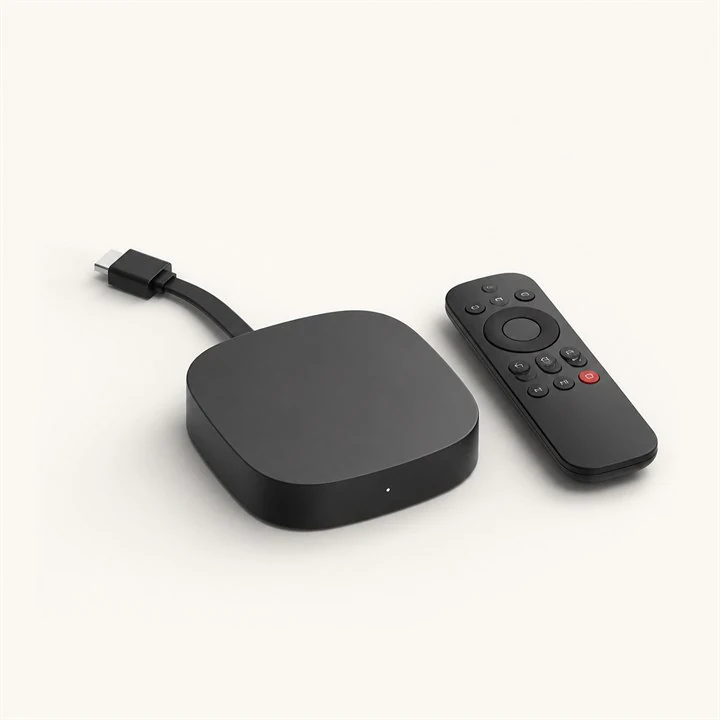 01 GUIDESRoku
Use a compatible Roku channel when available, or cast from a phone connected to the same Wi-Fi network.
View setup guide →Select the television, box, phone or computer you want to use.
Install a compatible player and add your private connection details.
Allow the first sync to finish, then open live TV or on-demand content.
Use these manufacturer websites for device updates, app-store help and operating-system troubleshooting. They open in a new tab.
Setup, app installation, updates and troubleshooting for Google TV and Android TV.
Visit official support ↗02Official Samsung Smart TV manuals, software, app and connection help.
Visit official support ↗03Official LG product guides, software information and TV troubleshooting.
Visit official support ↗04Setup, network, App Store and playback help for Apple TV devices.
Visit official support ↗05Official instructions for installing apps and configuring Roku devices.
Visit official support ↗06Microsoft help for Windows apps, network settings, updates and security.
Visit official support ↗Send us your device model and we will guide you through the right method.