Stable internet
Connect the device to a reliable home network before installation.
Use the MyTVOnline application built into compatible Formuler receivers.
Start the guide ↓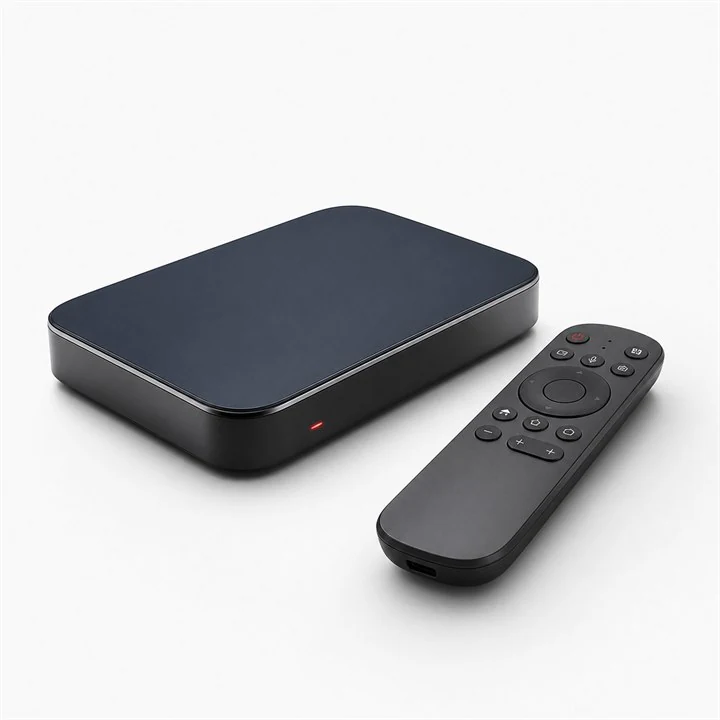

Connect the device to a reliable home network before installation.
Keep the server, username and password from your order ready.
Use the device store or the app publisher's official website.
Launch MyTVOnline 2 or 3, then open Content Manager and choose Content Sources.
SETTINGS● ● ●Select Add Portal, give it the name “IPTV Israel Hub” and enter the portal URL supplied to you.
PORTAL SETTINGS● ● ●If requested, send the receiver MAC address or device ID to our support team for activation.
DEVICE INFORMATION● ● ●Save the source, select Connect and allow the guide and catalogue to finish synchronising.
SYNCHRONISING● ● ●Send us your device model and we will guide you through the right method.