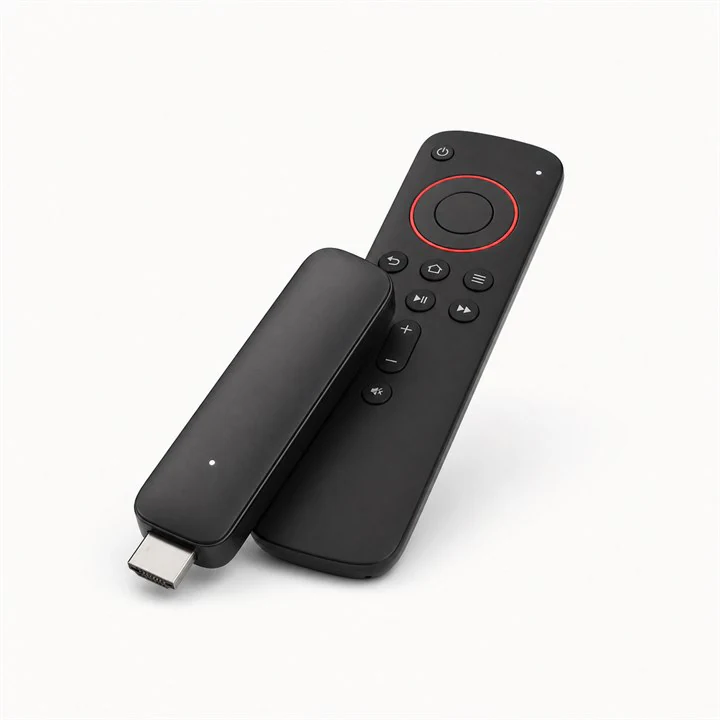
Install the player on Fire TV
Open Apps and install Downloader from the Amazon store. In Downloader, use only the current official address or installation code published by the player developer, then approve Install.

Use official sources only
A player commonly available for Smart TVs and selected streaming devices.
Start the guide ↓

The screens below use masked examples. Never publish your username, password, portal URL, MAC address or device key.
Open Apps and install Downloader from the Amazon store. In Downloader, use only the current official address or installation code published by the player developer, then approve Install.
Use official sources only
Open the app and note the MAC address and device key shown on its account screen. Keep them private.
On a phone or computer, open the website displayed by the app and choose Manage Playlists. Confirm that the domain belongs to the app publisher.
Enter the MAC address and device key shown in IBO Player Pro, then sign in to the playlist manager. Do not send these identifiers publicly.
Choose Add XC Playlist. This method uses the server address, username and password and normally imports the programme guide automatically.
Enter “IPTV Israel Hub” as the playlist name, followed by the server URL, username and password supplied after ordering. Submit the form.
Close and reopen IBO Player Pro. Choose Continue or Change Playlist when shown, select IPTV Israel Hub and wait for the catalogue to load.
Your profile is connected
If the catalogue does not load, send us the app name, device model and a photo of the error—without showing your password.